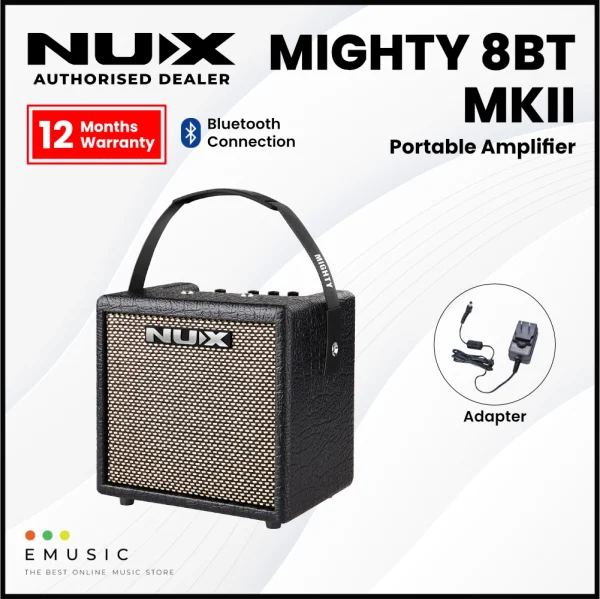

The brand new MIGHTY 8BT MKII includes a 6.5” FRFR speaker with IR technology, offering you limitless tonal possibilities. By using 8 x AA batteries, this portable amp will let you busk anywhere for up to 8 hours.
The MIGHTY 8BT MKII provides a variety of effects for electric guitar and bass guitar including amp modeling and cabinet IRs. It also comes with acoustic amp modeling and acoustic IRs to let you simulate acoustic guitar tones.
There’s even an additional channel on the amp to plug in a dynamic mic, making it a great solution for live performances.
Editing and saving your presets can be done in the studio or on the go with the Mighty Amp App for your smart device (iOS/Android) or Mighty Editor™ software (Mac/PC). And you can even load 3rd party IRs through the Mighty Editor™ edit software to expand your tone. (You can load any WAV format IRs, the Mighty Editor™ will convert to 32bits/48kHz onto the device automatically.)
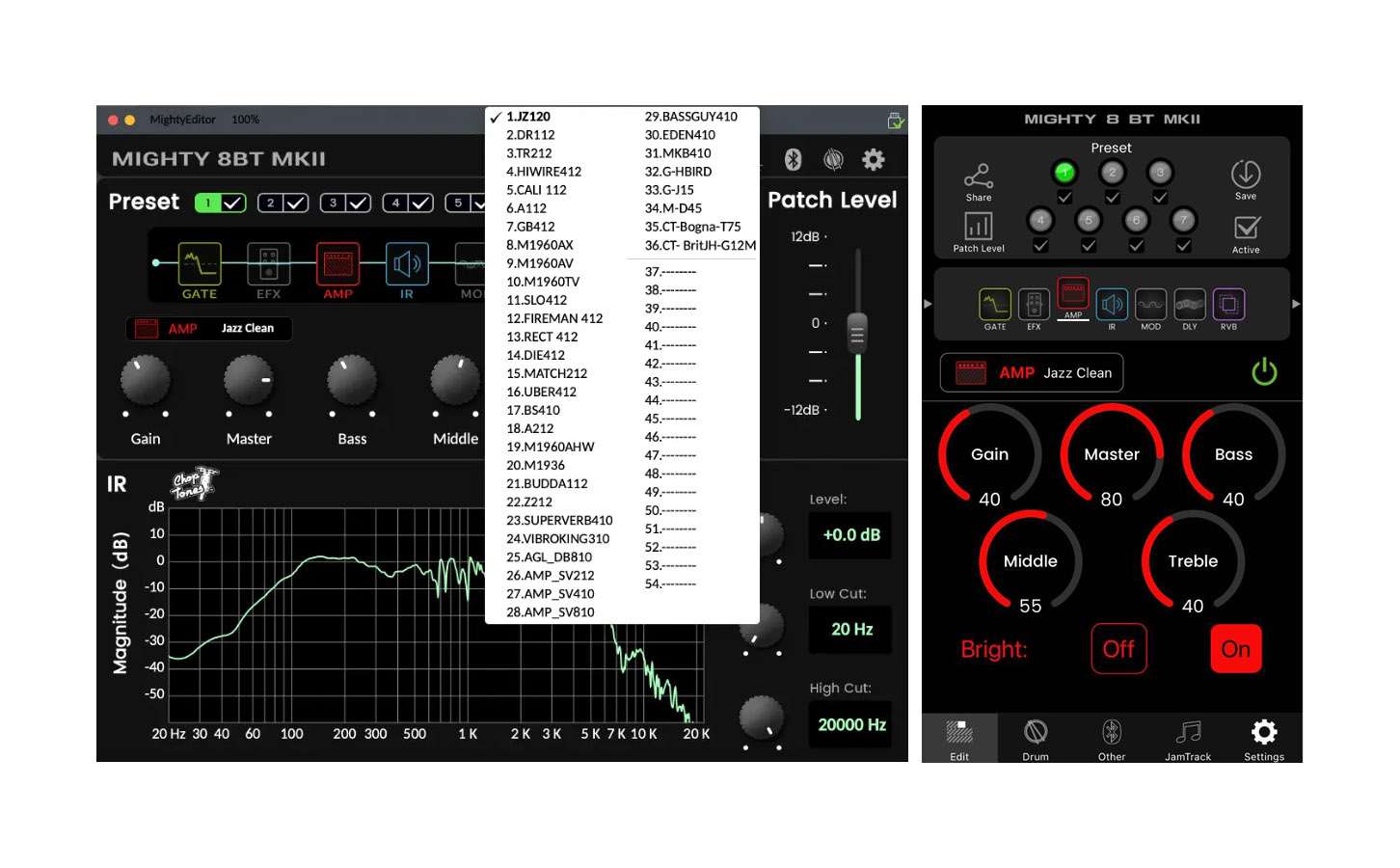
Note: There are 36 default IRs, and user IR slots are 18 (from 37 to 54).
The MightyAmp™ APP and Mighty Editor™ editing software let you tweak all the signal blocks and parameters. The MIGHTY 8BT MKII includes GATE, EFX, AMP, IR, MOD, DLY and RVB signal blocks.
The MIGHTY 8BT MKII supports USB-C audio stream, meaning that it can be a USB recording interface with your favorite recording software. It supports Normal / Dry Out / Re-amp / Loopback routing, which can be adjusted via the MightyAmp™ APP or Mighty Editor™ editing software for live stream jamming with Loopback! (Loopback signal includes PC’s playback, Bluetooth audio, AUX IN signals.) Using an OTG adaptor enables you to livestream from your mobile device!
Note: Be sure to download the NUX ASIO Driver from the NUX website prior to using the MIGHTY 8BT MKII as a recording interface if you’re on a PC. If you’re a Mac user, it’s plug-and-play.
For iOS devices, please use the original Apple® Lightning to USB OTG adaptor.



When connecting a Bluetooth-enabled device to the MIGHTY 8BT MKII, the amp’s BLUETOOTH indicator will turn solid Blue. (If not connected, the BLUETOOTH indicator will flash Blue.)
Operation: Do the following to play audio through the MIGHTY 8BT MKII via Bluetooth. Click “Settings” on your mobile device. Enter “Bluetooth”, and choose “MIGHTY 8BT MKII”. Once connected to the MIGHTY 8BT MKII’s Bluetooth audio, you will hear a connection sound.

If you wish to disconnect the MIGHTY 8BT MKII, just press and hold the PRESET button/indicator to disconnect. Then you can connect to MIGHTY 8 BT MKII manually.
Note: The Bluetooth audio and Bluetooth MIDI are independent; you have to connect them separately. Both connections must be made to use the MIGHTY 8 BT MKII’s full functionality. Keep reading to complete this process.
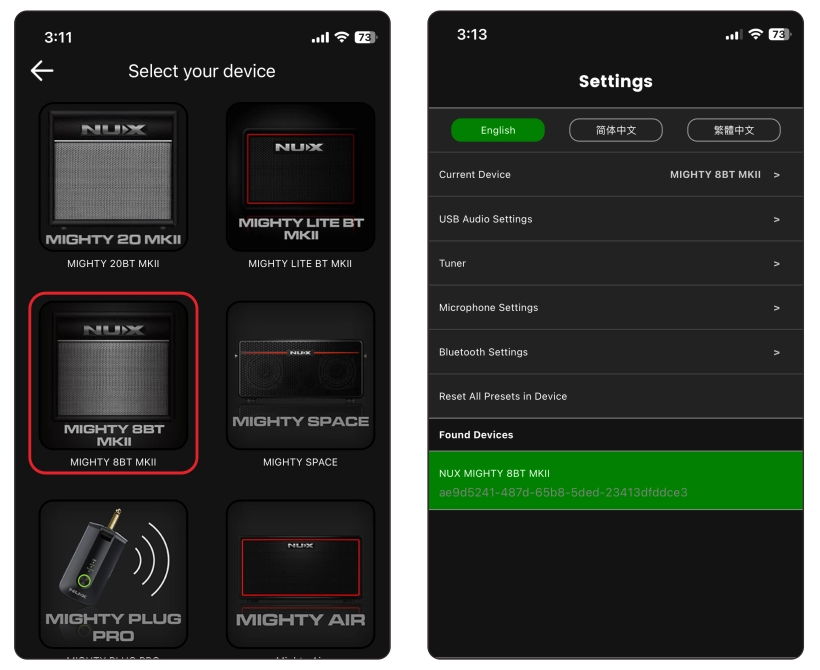
Operation: Launch the MightyAmp™ APP on your mobile phone, and press “Settings” to choose “Current Amp” as “MIGHTY 8 BT MKII”, then “Click to Scan Devices”. The APP will find the “MIGHTY 8 BT MKII”. Now select it, and the APP will connect with the device.

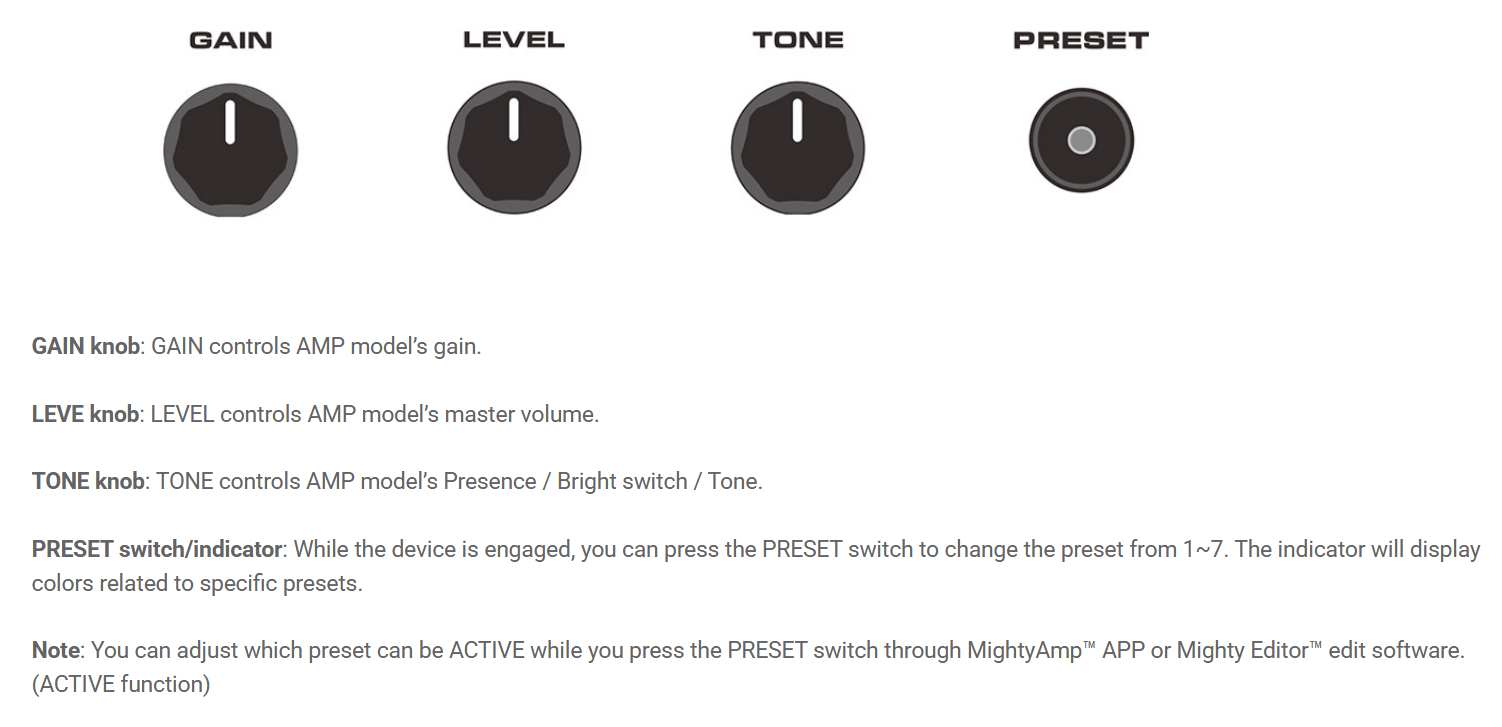
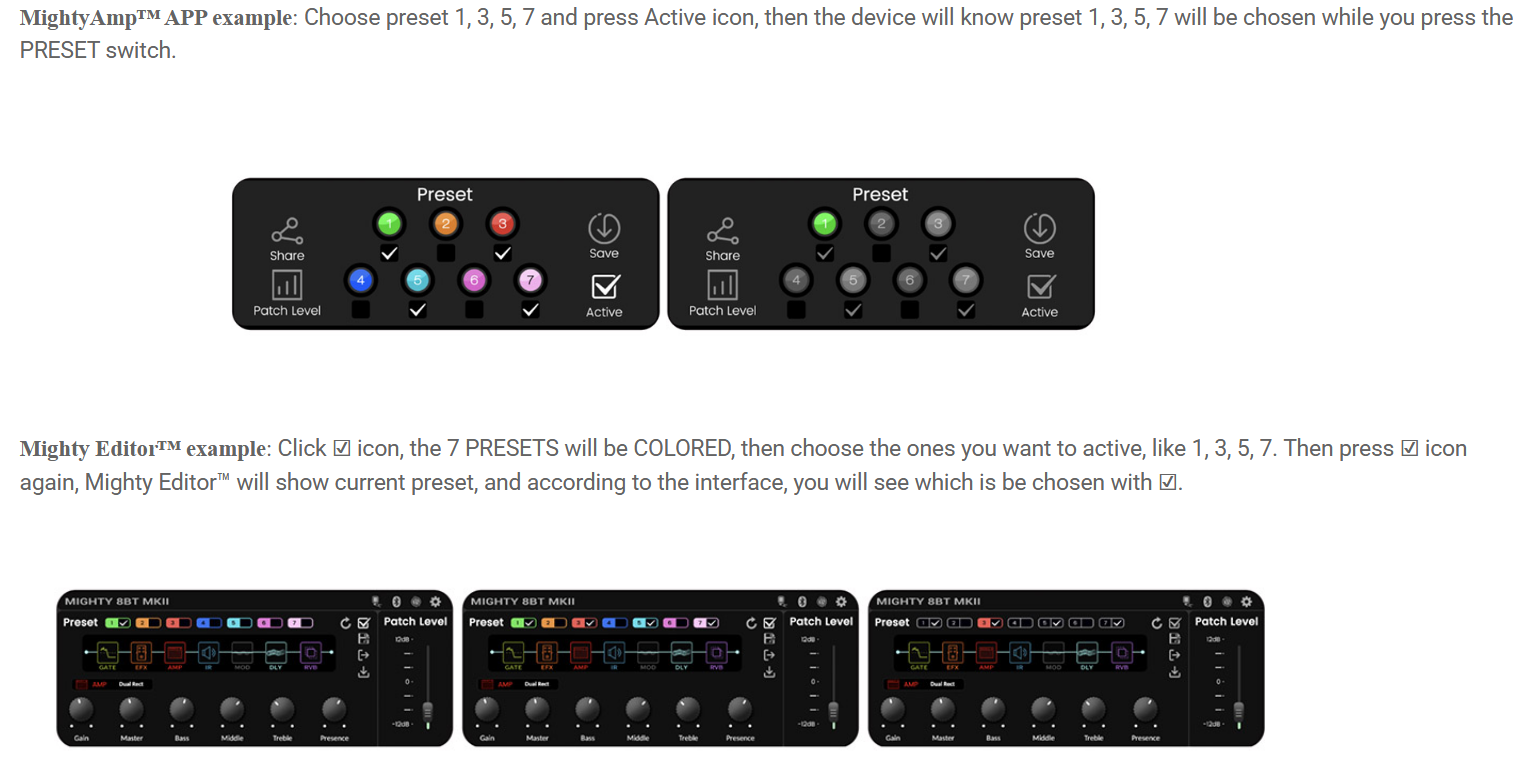

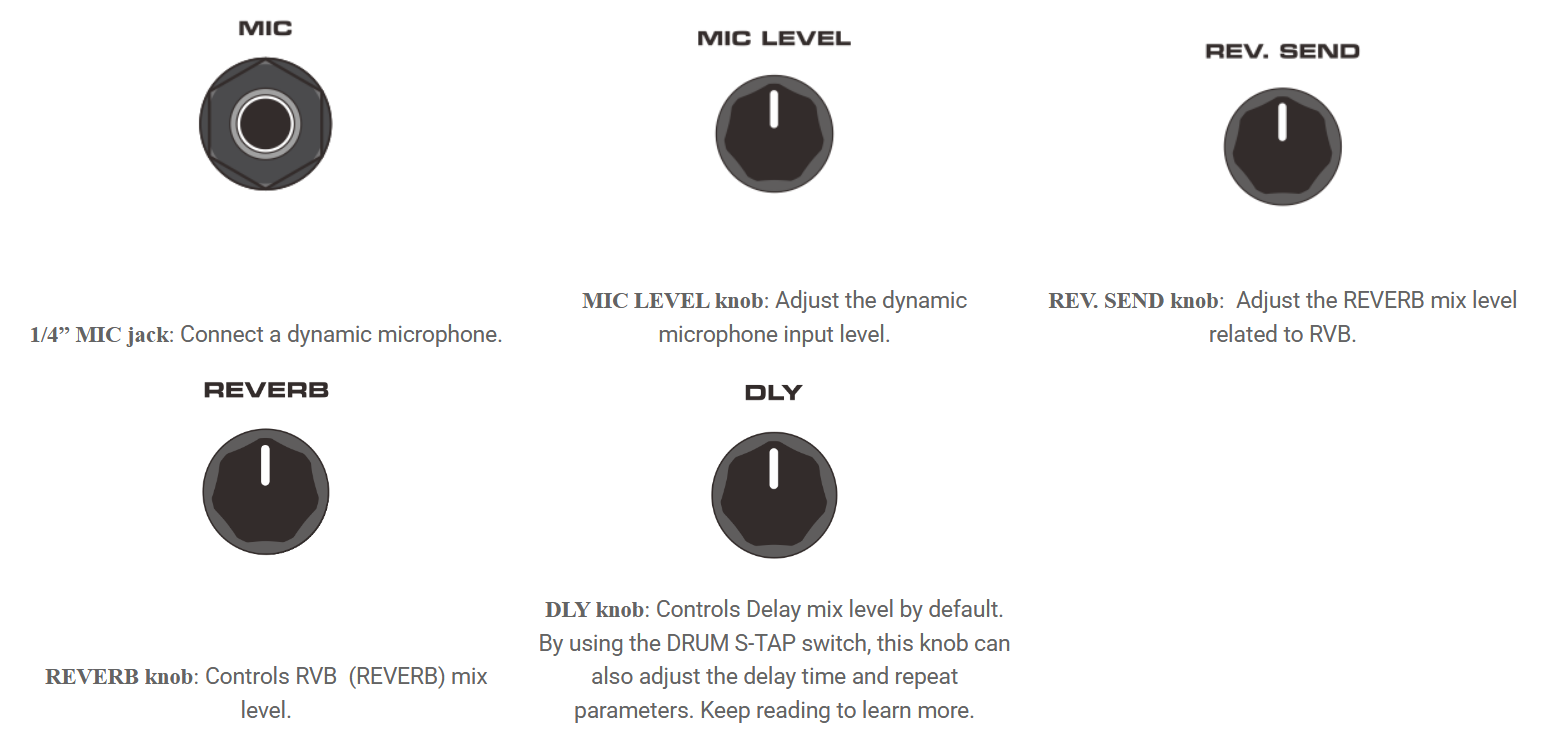
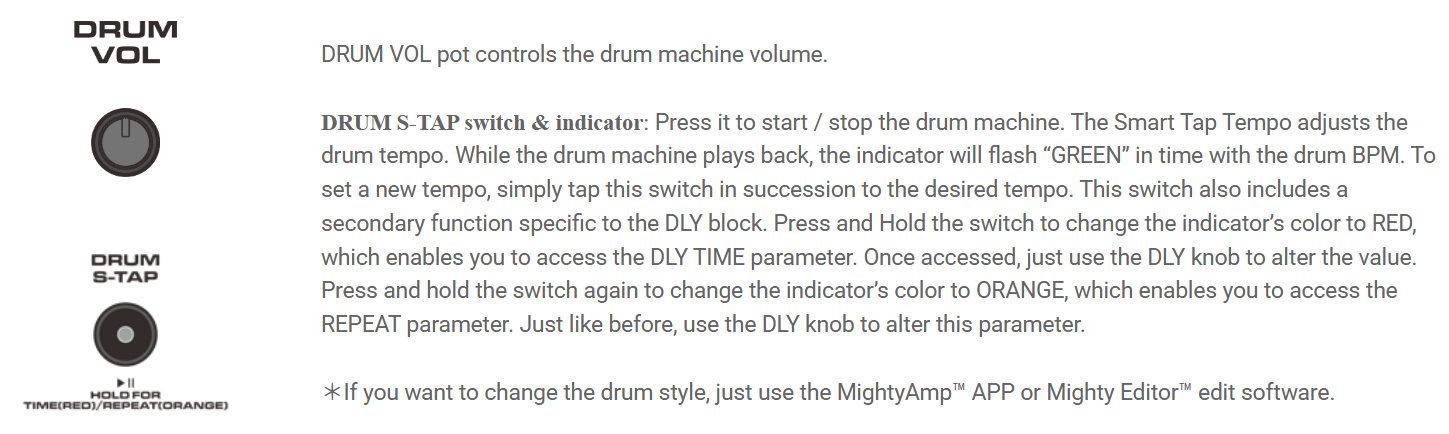


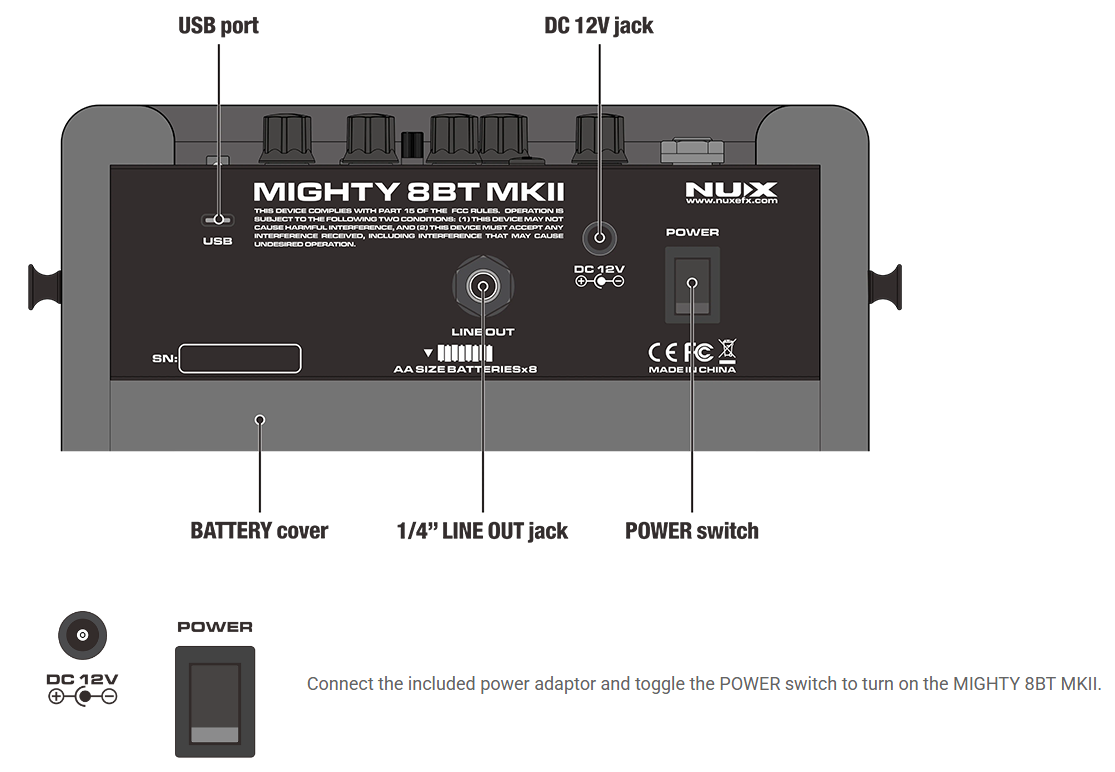
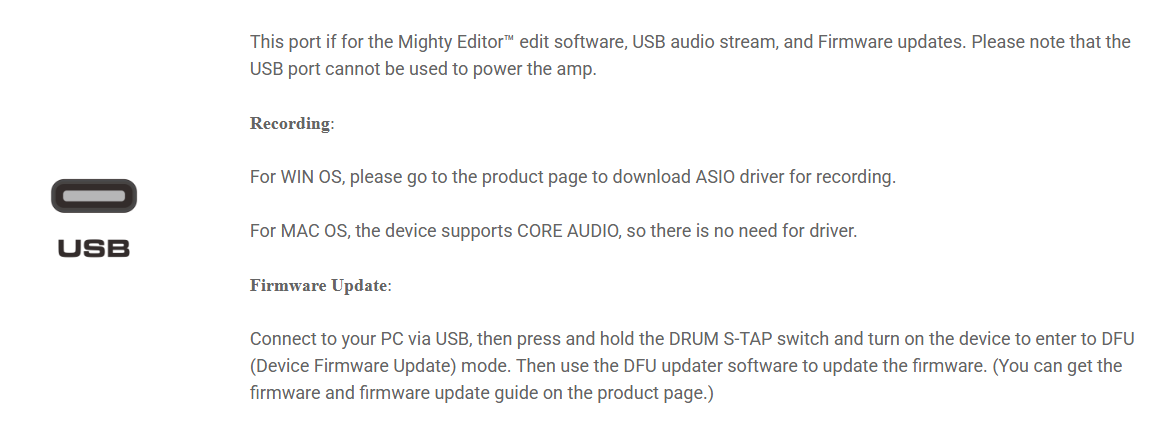

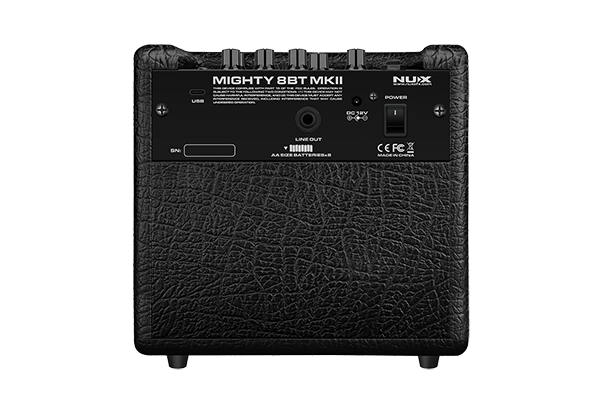

MIGHTY 8BT MKII can be powered by 8 AA batteries.
| Specification | Details |
|---|---|
| Instrument Input Impedance | 1 MΩ |
| MIC Input Impedance | 6.2 kΩ |
| AUX In Impedance | 9.1 kΩ |
| Headphone Output | 280 mW + 280 mW (to 33 Ω load) |
| Sampling Rate | 48 kHz / 32-bit |
| System Latency | 1.42 ms |
| Current Draw | 12V DC, 170 mA |
| Speaker | 6.5″, 4 Ω, 10 W |
| Dimensions | 240 (L) × 166 (W) × 220 (H) mm |
| Weight | 2.96 kg |